Build Your Own Agent TUI

Scaffold a custom AI agent with a fully customizable terminal interface using an AI coding agent

The create-agent-tui skill scaffolds a complete agent TUI (terminal user interface) in TypeScript — like create-react-app for terminal agents. Tell your AI coding agent what kind of agent you want, and it generates a runnable project targeting OpenRouter with a fully customizable terminal interface, tools, and configuration.

Under the hood, this is a full agent harness: the generated project uses @openrouter/agent for the inner loop (model calls, tool execution, stop conditions) and provides everything around it — configuration, tool definitions, session management, and the entry point.

When to build your own

Building a custom agent TUI makes sense when:

  • You want to customize the look — create a fun UI or a custom one for your project or team
  • You need custom tools — your agent interacts with your own APIs, databases, or domain-specific systems that generic agents can’t reach
  • You want control over the loop — you need custom stop conditions, approval flows, cost limits, or model selection logic that hosted agents don’t expose
  • You’re shipping a product — the agent is part of your application, not a developer tool, and you need to own the entry point (CLI, API server, embedded)
  • You want to learn — understanding how agents work at the tool-execution level makes you better at using and debugging them

If you’re already using Claude Code, Codex CLI, or Cursor as-is, you probably don’t need this — those are already production agent TUIs. This skill is for when you need to build your own.

Install the skill

The create-agent-tui skill is part of the OpenRouter Skills collection. Install it with your AI coding agent of choice:

Works with any agent that supports Agent Skills:

$npx skills add OpenRouterTeam/skills

Once installed, ask your agent something like “build me an agent TUI” or “scaffold a coding assistant” and the skill activates automatically.

Prerequisites

How it works

The skill presents your coding agent with an interactive checklist of tools, modules, visual styles, and slash commands. You pick what you need, and the agent generates the entire project — ready to run with npm start.

What @openrouter/agent handles

ConcernHow the SDK handles it
Model callsclient.callModel() — one call, any model on OpenRouter
Tool executionDefine tools with tool() and Zod schemas; the SDK validates input and calls your execute function
Multi-turnThe SDK loops (call model -> execute tools -> call model) until a stop condition fires
Stop conditionsstepCountIs(n), maxCost(amount), hasToolCall(name), or custom functions
Streamingresult.getTextStream() for text deltas, result.getToolCallsStream() for tool calls
Cost trackingresult.getResponse().usage with input/output token counts
Shared contextType-safe shared state across tools via sharedContextSchema

Visual customization

Every part of the terminal UI is customizable. The skill lets you choose each style when scaffolding, and you can override them at launch via CLI flags or in the config file.

Tool display styles

Choose how tool calls appear during agent execution. Set display.toolDisplay in your config or pass --tool-display at launch.

StyleDescription
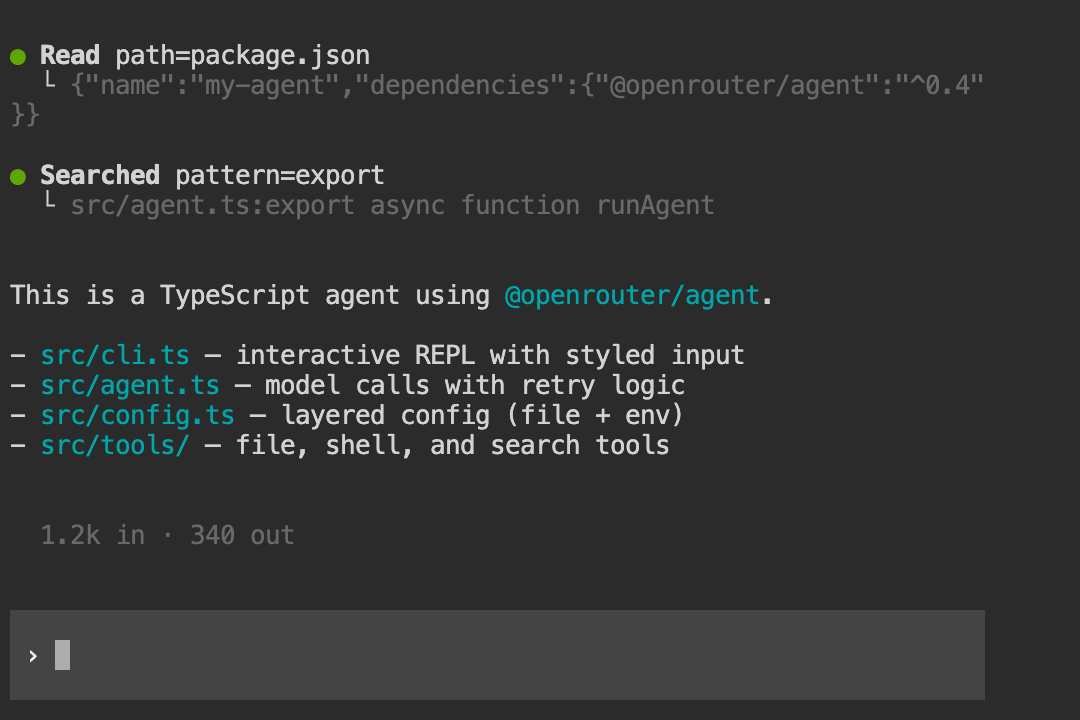
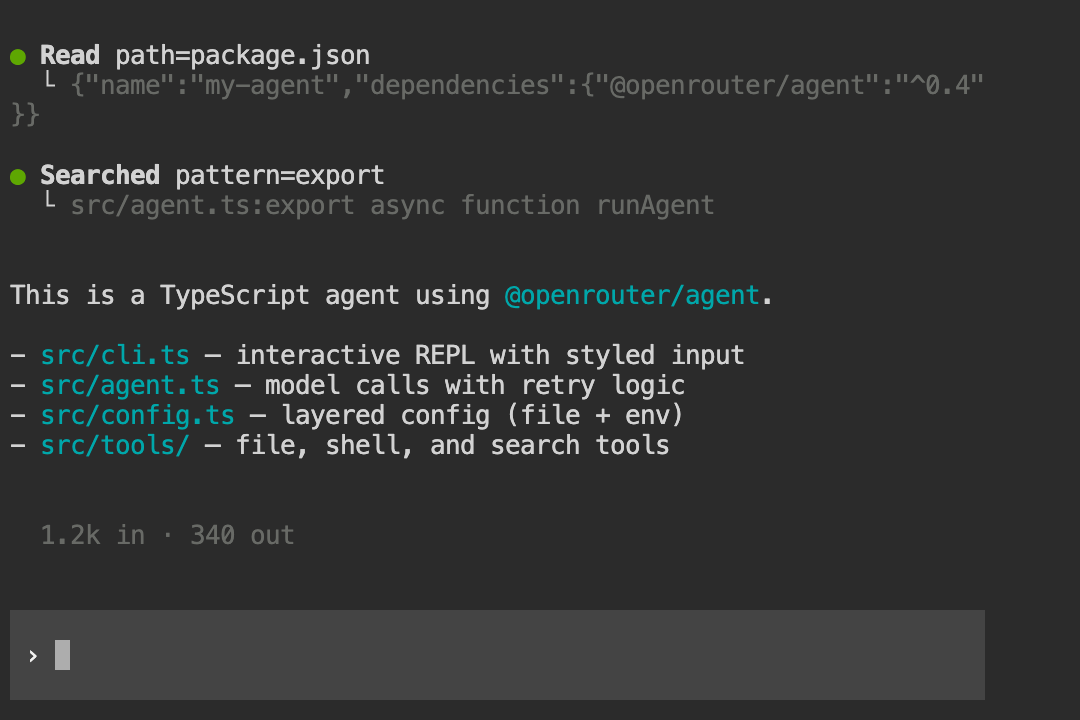
grouped (default)Bold action labels with tree-branch output; consecutive same-type calls are merged
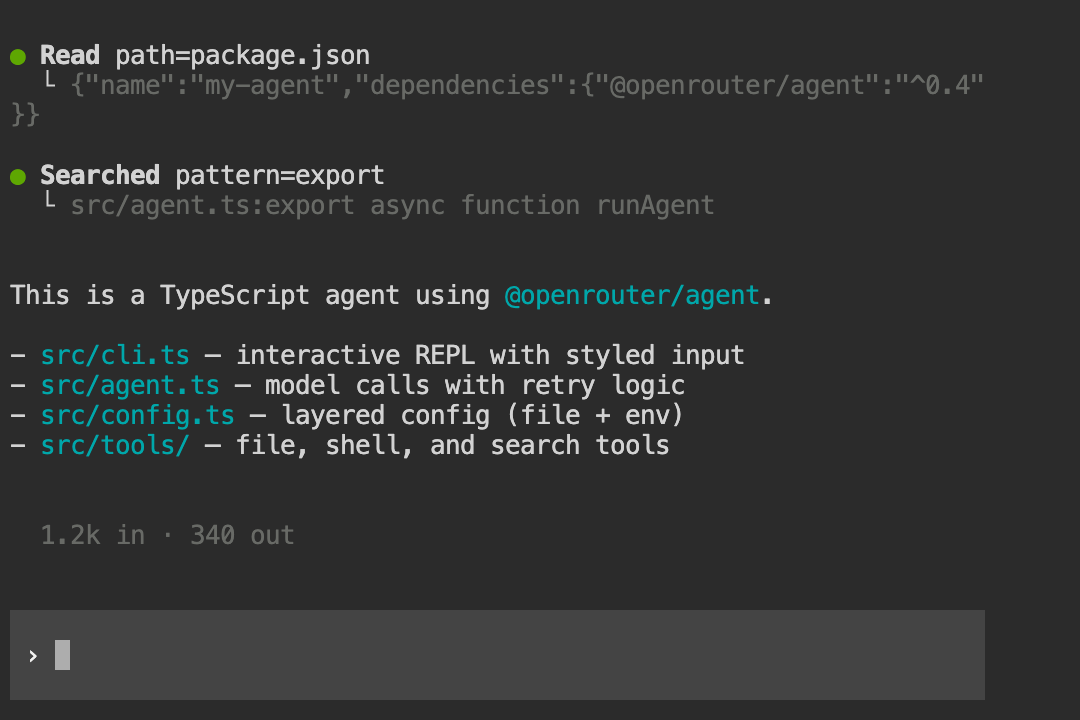
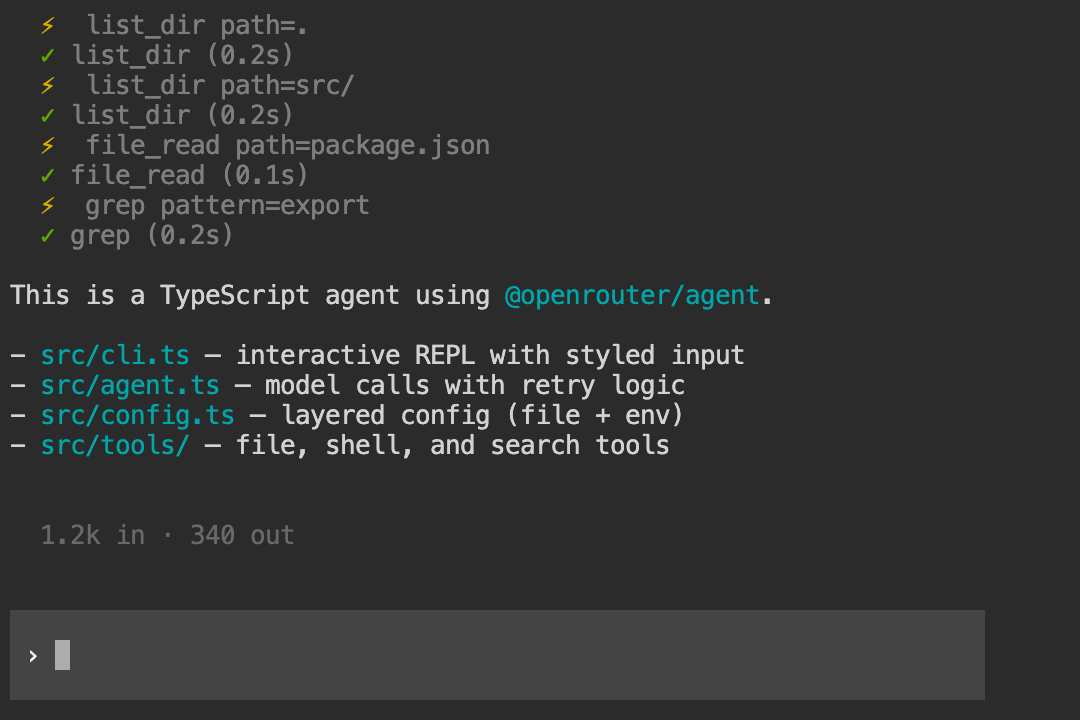
emojiPer-call markers with tool name, arguments, and timing
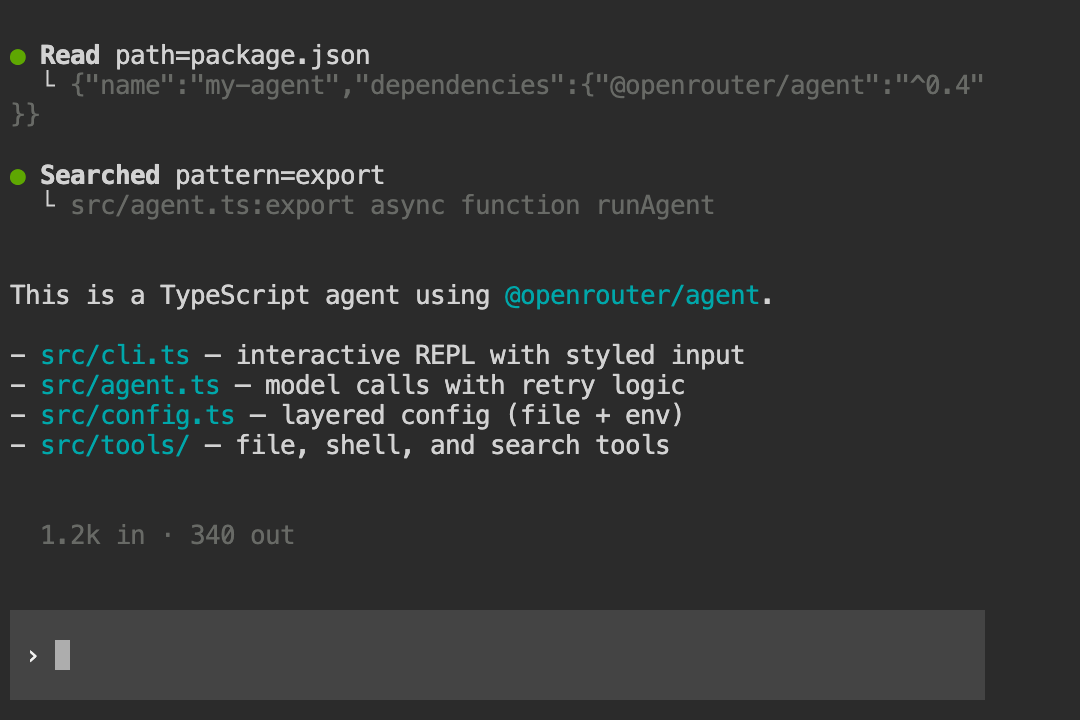
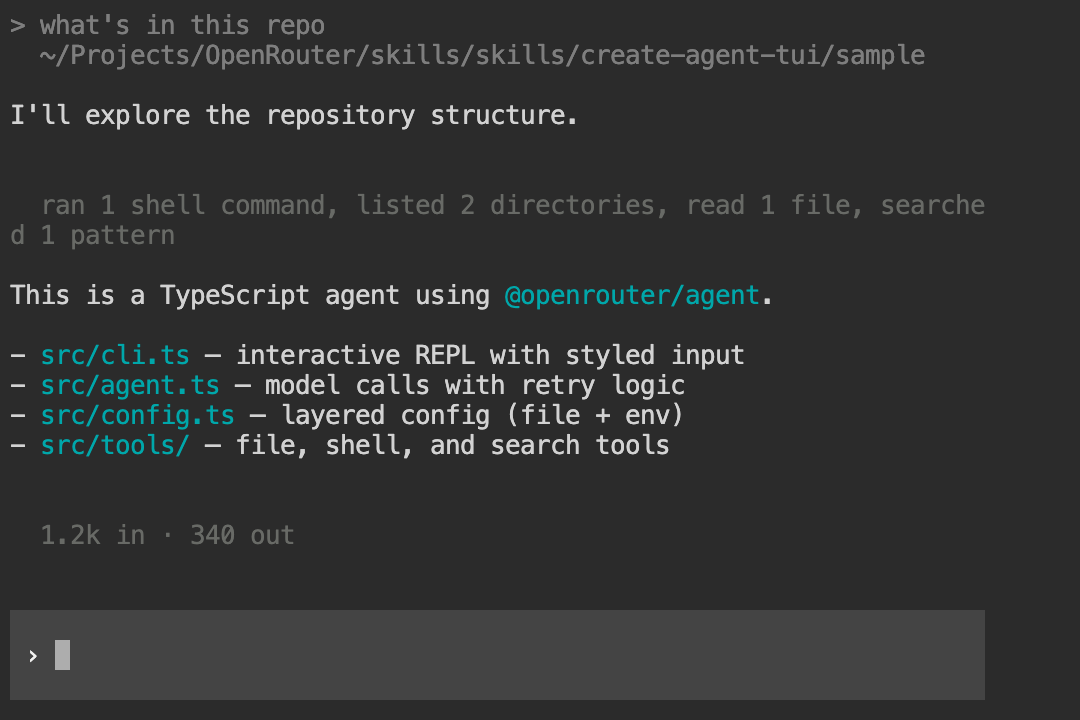
minimalAggregated one-liner summaries, flushed when text resumes
hiddenSuppresses tool output entirely
CustomDescribe what you want — the skill implements a custom display

Grouped — bold action labels with tree-branch output:
Grouped tool display

Emoji — per-call markers with tool name, arguments, and timing:
Emoji tool display

Minimal — aggregated one-liner summaries:
Minimal tool display

You can also describe a completely custom tool display style and the skill will implement it for you.

Input styles

Three input styles are available via display.inputStyle or --input.

StyleDescription
block (default)Full-width background-colored input box with prompt — adapts to your terminal’s color scheme using OSC 11 background detection
borderedHorizontal lines above and below the input — works on any terminal
plainSimple > readline prompt — no raw mode, no escape sequences
CustomDescribe what you want — the skill implements a custom input style

Block — full-width background input box that adapts to your terminal theme:
Block input style

Bordered — horizontal line frame that works on any terminal:
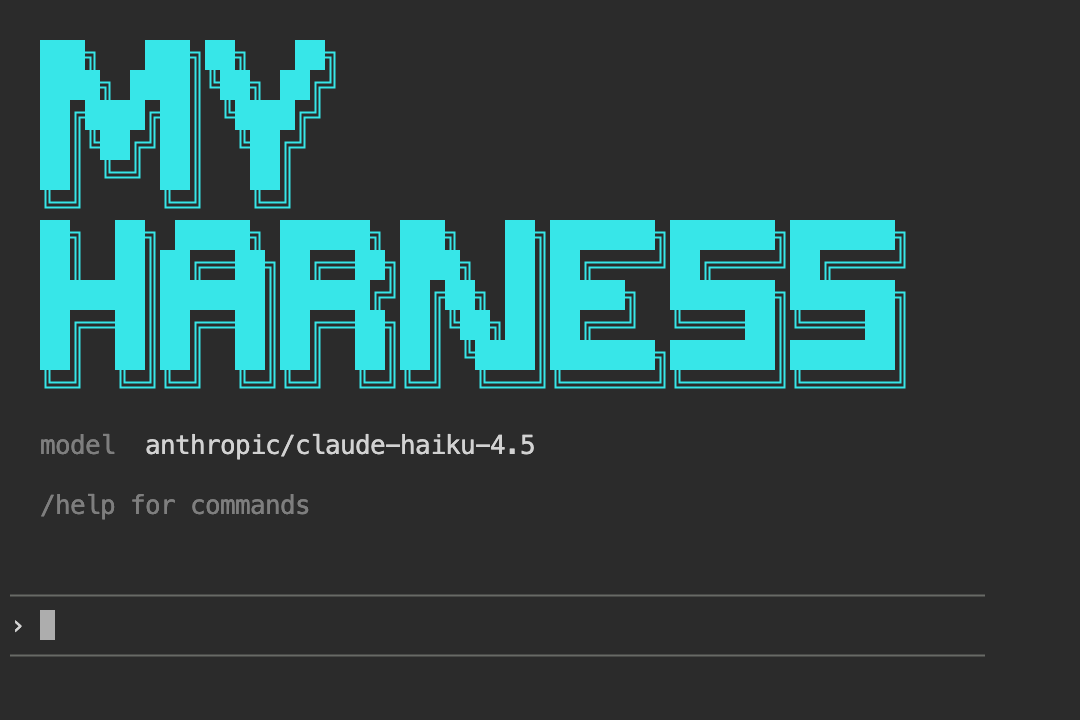
Bordered input style

Plain — simple readline prompt, no escape sequences:
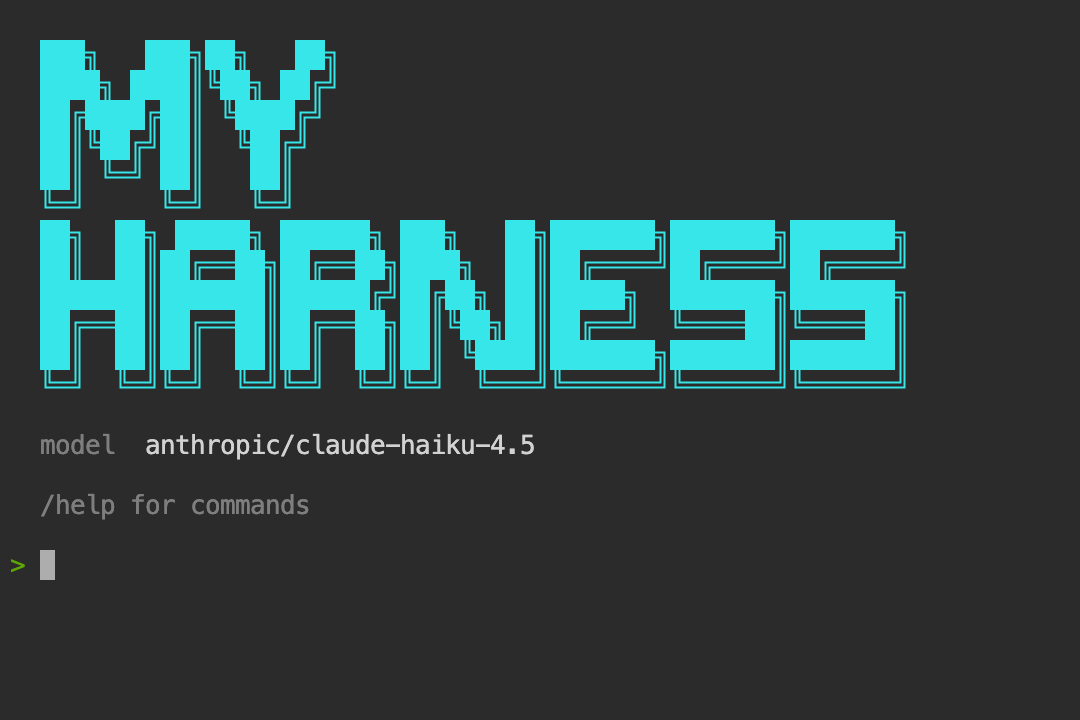
Plain input style

You can also describe a completely custom input style and the skill will implement it for you.

Loader animations

Three loader styles shown while waiting for the model response. Set display.loader.style and display.loader.text in config.

StyleDescription
gradient (default)Scrolling color shimmer over the loader text
spinnerBraille dot animation (⠋⠙⠹…) to the left of the text
minimalTrailing dots (Working···)
CustomDescribe what you want — the skill implements a custom animation

Gradient — scrolling color shimmer:

Gradient loader

Spinner — braille dot animation:

Spinner loader

Minimal — trailing dots:

Minimal loader

You can also describe a completely custom loader animation and the skill will implement it for you.

ASCII banner

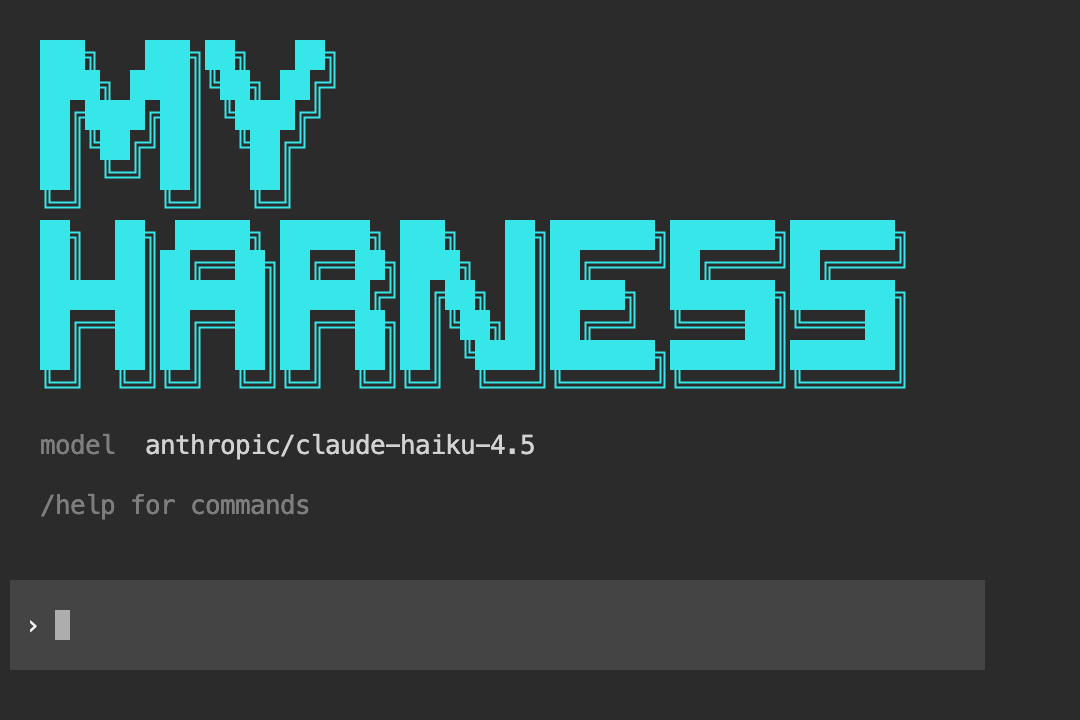
Enable showBanner or pass --banner "Your Agent Name" to display a custom ASCII art logo on startup. The skill generates block-letter art for your project name using the character, colored and sized to fit a 60-column terminal.
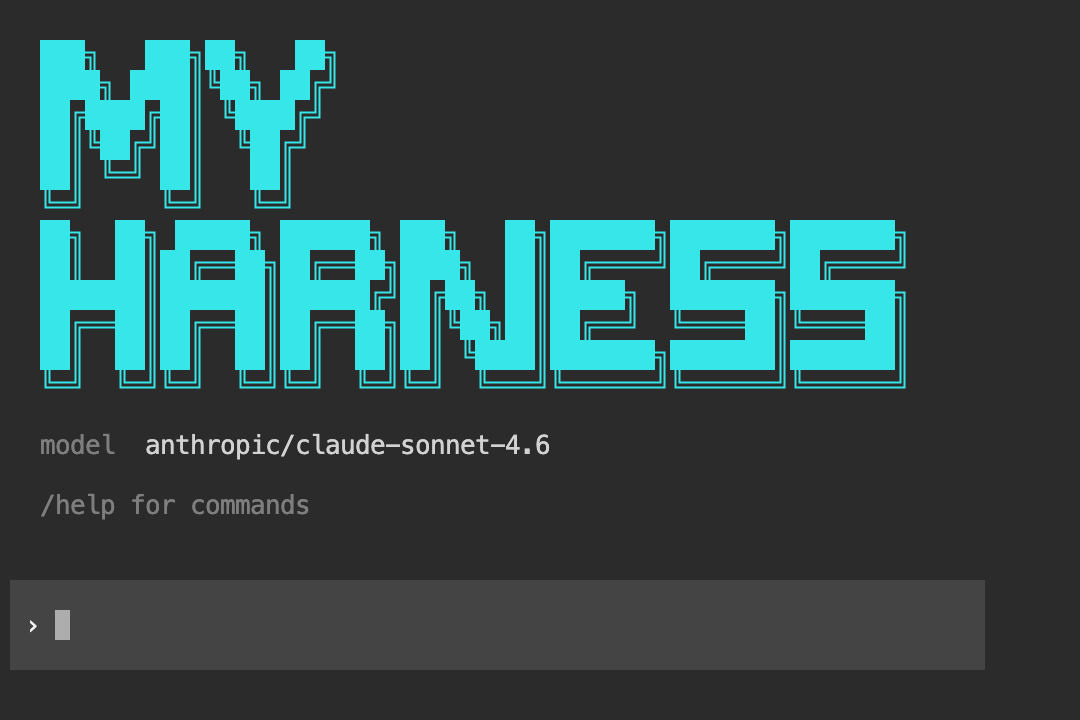
ASCII banner on startup

Generated project structure

With default options selected, the skill generates this layout:

my-agent/
package.json @openrouter/agent, zod, tsx
tsconfig.json ES2022, Node16, strict
.env.example OPENROUTER_API_KEY=
src/
config.ts Layered config (defaults -> file -> env)
agent.ts Core runner with retry
cli.ts Interactive REPL with streaming
session.ts JSONL conversation persistence
terminal-bg.ts Adaptive background detection
renderer.ts Tool display renderer
loader.ts Loader animation
commands.ts Slash command registry
tools/
index.ts Tool registry + server tools
file-read.ts Read files with offset/limit
file-write.ts Write/create files
file-edit.ts Search-and-replace with diff
glob.ts Find files by pattern
grep.ts Search content by regex
list-dir.ts List directory entries
shell.ts Execute commands with timeout

Run it with:

$export OPENROUTER_API_KEY="sk-or-..."
$npm start

Override visual styles at launch:

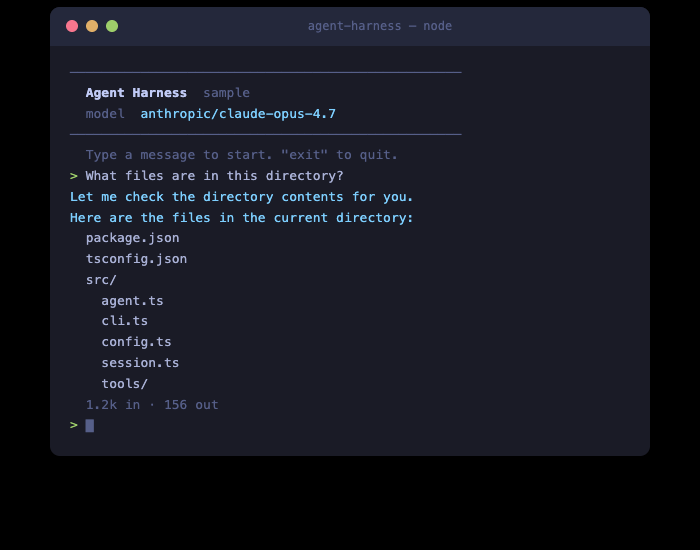
$npm start -- --banner "Acme Bot" --model anthropic/claude-sonnet-4 --input bordered --tool-display emoji

Agent TUI running in the terminal

Customization options

The skill presents a checklist when invoked. Items marked on are pre-selected defaults.

Server tools

Executed by OpenRouter server-side — zero client code needed.

ToolDefaultDescription
Web SearchonReal-time web search via openrouter:web_search
DatetimeonCurrent date/time via openrouter:datetime
Image GenerationoffGenerate images via openrouter:image_generation

User-defined tools

Generated into src/tools/ with full implementations.

ToolDefaultDescription
File ReadonRead files with offset/limit, detect images
File WriteonWrite/create files, auto-create directories
File EditonSearch-and-replace with diff output
Glob/FindonFind files by glob pattern
Grep/SearchonSearch file contents by regex
Directory ListonList directory entries
Shell/BashonExecute commands with timeout
JS REPLoffPersistent Node.js environment
Sub-agent SpawnoffDelegate tasks to child agents
Plan/TodooffTrack multi-step task progress
Request User InputoffAsk structured questions
Web FetchoffFetch and extract text from URLs
View ImageoffRead local images as base64
Custom Tool TemplateonEmpty skeleton for your domain-specific tools

Harness modules

Architectural components that extend the core agent harness.

ModuleDefaultDescription
Session PersistenceonJSONL append-only conversation log
ASCII Logo BanneroffCustom ASCII art banner on startup
Context CompactionoffSummarize older messages when context gets long
System Prompt CompositionoffBuild instructions from static + dynamic context files
Tool Permissions / ApprovaloffGate dangerous tools behind user confirmation
Structured Event LoggingoffEmit events for tool calls, API requests, errors
@-file Referencesoff@filename to attach file content to the next message
! Shell Shortcutoff!command to run shell and inject output into context
Multi-line InputoffShift+Enter for multi-line (requires raw terminal mode)

Slash commands

User-facing REPL commands generated into src/commands.ts.

CommandDefaultDescription
/modelonSwitch model via OpenRouter API
/newonStart a fresh conversation
/helponList available commands
/compactoffManually trigger context compaction
/sessionoffShow session metadata and token usage
/exportoffSave conversation as Markdown

Entry points

The skill generates a CLI REPL by default, but you can also ask for:

  • HTTP API server — Express/Hono server with SSE streaming for building web-accessible agents
  • Both — CLI for development, server for production

Example

Here’s a demo app built entirely by the agent TUI skill — a GitHub trending repos viewer, scaffolded and running from a single prompt:
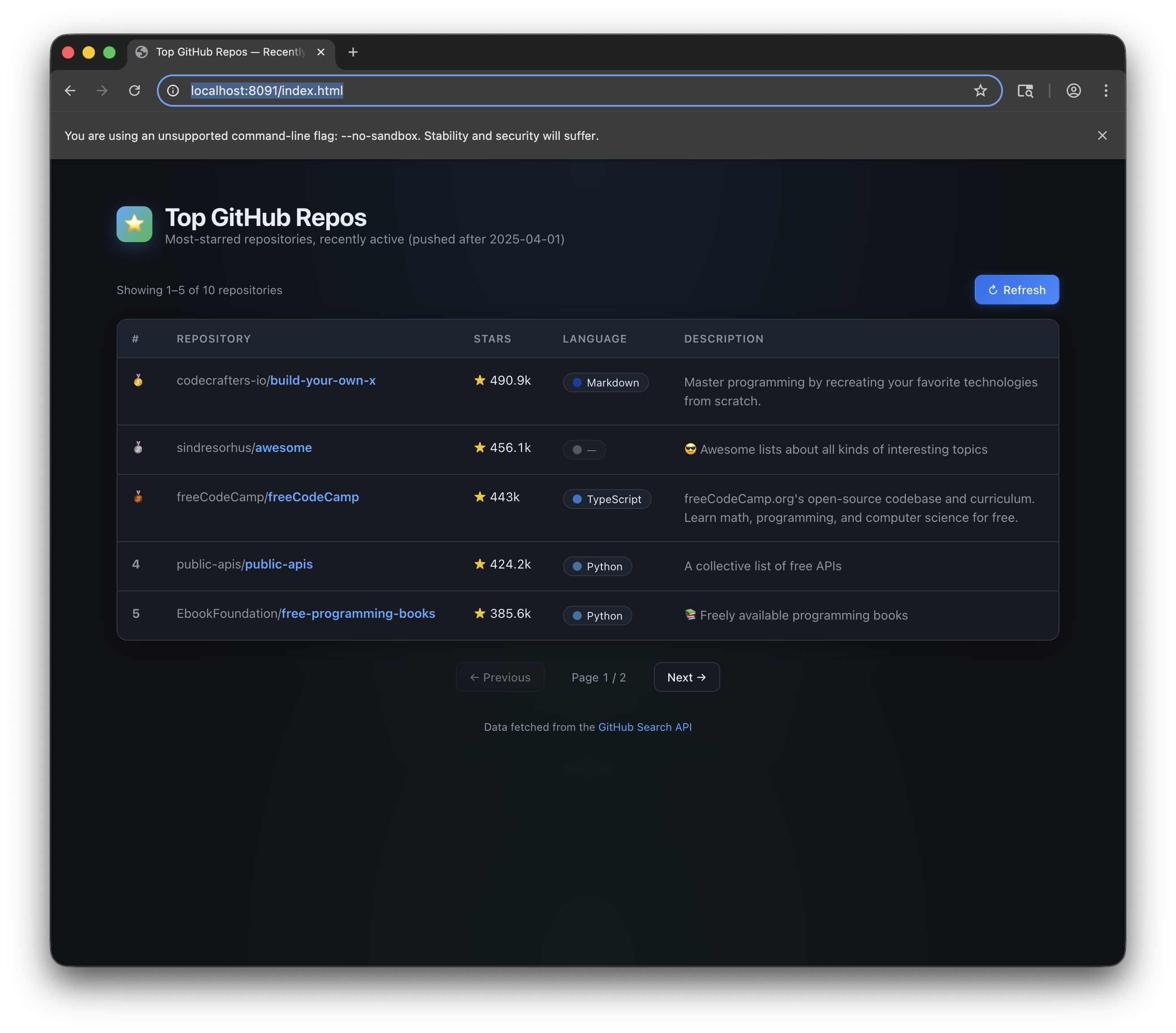

A demo app built by the agent TUI

Resources